Best Home Office UPS 2026: Top Rated Battery Backup Systems
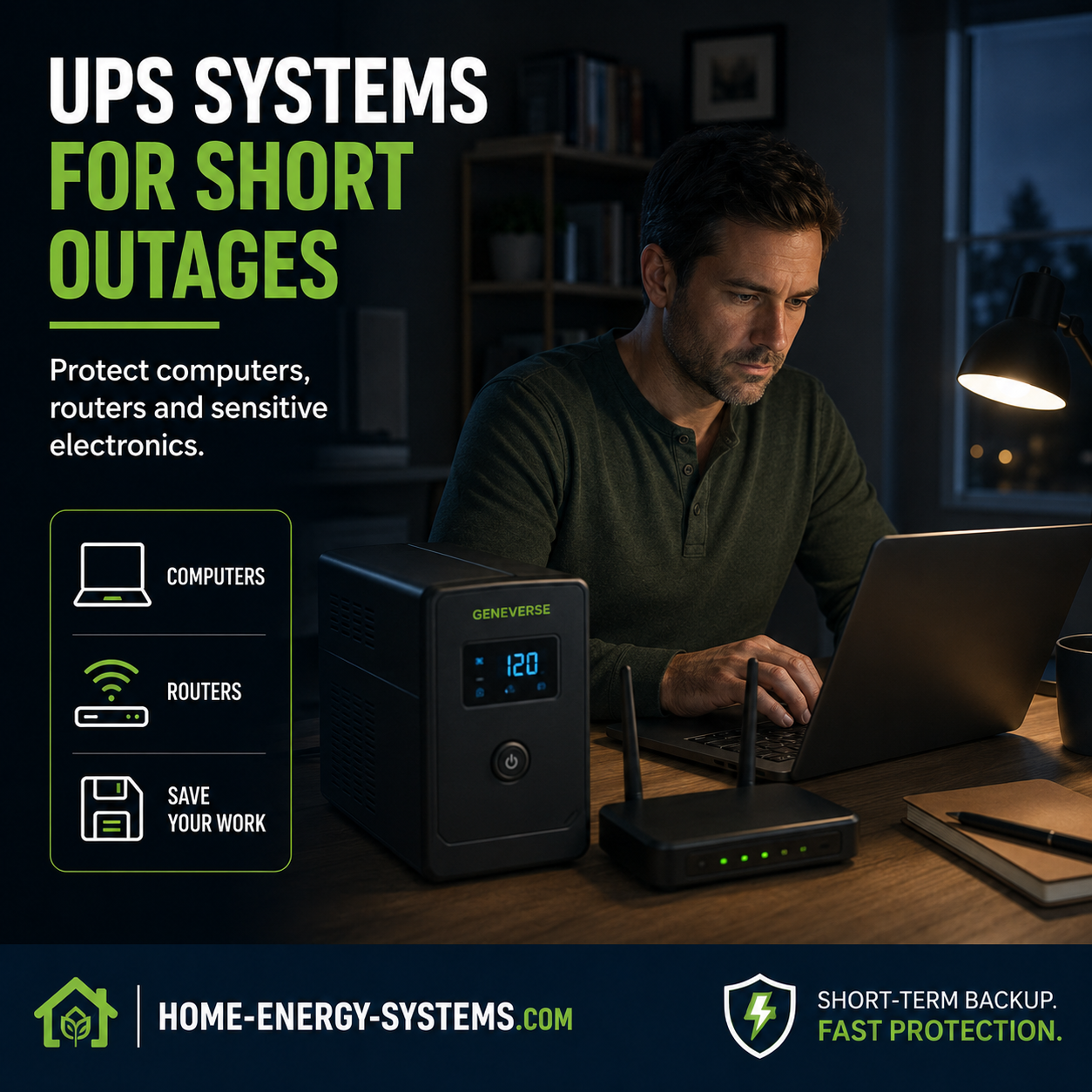
Looking for the best home office UPS in 2026? A power cut lasting only a few seconds can shut down a desktop computer, interrupt a video meeting, disconnect your internet connection and wipe out work you haven’t saved.
A good UPS battery backup for a home office solves that problem by keeping essential equipment powered when the mains supply suddenly disappears.
But choosing the best UPS isn’t simply a matter of buying the model with the biggest VA number. Maximum watt output, battery runtime, waveform, replacement batteries and the equipment you actually need to protect all matter.
In this guide, we’ll compare four of the best home office UPS systems for 2026 and explain how to choose the right battery backup for computers, monitors, Wi-Fi routers and other essential office equipment.
Contents
▶ Watch the Video Guide
How to Choose the Best UPS for Your Home Office
Best Home Office UPS 2026: Quick Comparison
The best choice depends on what your office needs to keep running. A high-performance desktop workstation may require considerably more UPS capacity than a laptop-based office where the priority is keeping the router, monitor and network equipment online.
| UPS | Capacity | Best For |
|---|---|---|
| CyberPower CP1500PFCLCD | 1500VA / 1000W | Powerful desktop offices |
| APC Back-UPS Pro BR1500MS2 | 1500VA / 900W | Premium desktop protection |
| CyberPower CP1000PFCLCD | 1000VA / 600W | Small to medium offices |
| Eaton 5S 1500 Series | Approx. 1500VA / 900W | Office and networking equipment |
Our Best Home Office UPS Picks
CyberPower CP1500PFCLCD
1500VA / 1000W
Waveform: Sine wave
Best for: Powerful desktop PCs, multiple monitors and higher-demand home offices.
APC Back-UPS Pro BR1500MS2
1500VA / 900W
Waveform: Sine wave
Best for: Professional desktop setups and users wanting a replaceable battery.
CyberPower CP1000PFCLCD
1000VA / 600W
Waveform: Sine wave
Best for: Everyday and moderately powered home offices.
Eaton 5S 1500 Series
Approx. 1500VA / 900W
Waveform: Check exact regional model
Best for: General office electronics and networking equipment.
CyberPower CP1500PFCLCD — Best Overall for a Powerful Home Office
The CyberPower CP1500PFCLCD is our strongest option for a desktop-based home office where several pieces of equipment need battery backup.
It provides 1500VA / 1000W capacity, line-interactive operation and sine-wave battery output. That gives it useful wattage headroom for many desktop computers, monitors, routers and networking setups.
It’s particularly worth considering for modern computers using active-PFC power supplies where sine-wave output is desirable.
Best for: Desktop PCs, workstations, multiple monitors and higher-demand home offices.
APC Back-UPS Pro BR1500MS2 — Best Premium APC Option
The APC Back-UPS Pro BR1500MS2 is another strong home-office UPS, offering 1500VA / 900W capacity.
It combines sine-wave battery output with automatic voltage regulation, an LCD status display and a user-replaceable battery.
A replaceable battery is a significant advantage because the battery is normally the first major component of a UPS to wear out.
Best for: Professional home offices, desktop computers and users who value replaceable batteries.
CyberPower CP1000PFCLCD — Best for a Smaller Home Office
Not every home office needs a 1500VA UPS. The CyberPower CP1000PFCLCD provides 1000VA / 600W capacity with line-interactive operation and sine-wave battery output.
It can be a sensible choice for a conventional desktop computer, monitor and networking equipment when the combined electrical load remains comfortably below its maximum watt rating.
Best for: Everyday home offices and lighter equipment loads.
Eaton 5S 1500 Series — Strong Office and Networking Choice
The Eaton 5S 1500 series includes models around the 1500VA / 900W class, with different versions available for different electrical markets.
Eaton uses line-interactive technology in the 5S range and offers battery-management and monitoring features intended for computers and office equipment.
Because specifications differ between regional models, check the exact voltage, outlets and model number before ordering.
Best for: Office electronics, networking equipment and users comparing alternatives to APC and CyberPower.
Which UPS Is Best for Your Home Office?
For a higher-powered desktop office, the CyberPower CP1500PFCLCD stands out because of its 1000W maximum output and sine-wave design.
The APC BR1500MS2 is another strong 1500VA-class option, particularly if a replaceable battery and APC’s established UPS range appeal to you.
For a less demanding setup, the CyberPower CP1000PFCLCD may provide enough capacity without paying for a larger unit you don’t need.
The Eaton 5S range is also worth comparing, particularly for general office and networking equipment.
Whichever model you choose, don’t make the decision from the VA number alone. Compare the UPS’s maximum watt output with the actual power consumption of your equipment.
What Is a UPS?
A UPS, or Uninterruptible Power Supply, is a battery backup system positioned between the mains electricity supply and important electronic equipment.
When mains electricity is available, the UPS powers connected equipment while keeping its internal battery charged. If the electricity supply fails, the UPS switches to battery power so computers and other connected equipment can continue operating.
Many UPS systems also provide protection against voltage fluctuations and power surges.
Why Use a UPS in a Home Office?
A home office UPS can protect you against several common problems:
- Computer shutdowns during short power cuts
- Lost or corrupted unsaved work
- Interrupted video meetings
- Router and modem shutdowns
- Unexpected desktop computer restarts
- Voltage fluctuations
- Power surges affecting sensitive electronics
Even if outages are uncommon where you live, a UPS can provide valuable protection when one eventually occurs.
How Big a UPS Do You Need for a Home Office?
Start by identifying the equipment that genuinely needs battery backup.
A typical home office might include:
- Desktop computer
- One or two monitors
- Wi-Fi router
- Broadband modem or fibre equipment
- Network storage device
- Small network switch
You normally don’t need printers, heaters or other high-power appliances connected to battery-backed outlets.
Example Home Office Power Load
Example: 200–400W
Example: 25–60W
Example: 25–60W
Example: 10–30W
These are examples rather than fixed figures. Actual consumption varies considerably. A plug-in energy monitor can give you a much better picture of your own equipment’s real power use.
VA vs Watts: What’s the Difference?
UPS specifications normally show both VA (volt-amps) and watts (W). They aren’t interchangeable.
Watts represent the real power available to operate your equipment, while VA represents apparent power. Two UPS units advertised as 1500VA can therefore have different maximum watt outputs.
How Much UPS Headroom Should You Allow?
A UPS shouldn’t ideally operate continuously at its maximum rated output.
For example, if your essential office equipment normally consumes around 400 watts, buying a UPS rated for exactly 400 watts leaves virtually no margin for temporary load increases or additional equipment.
Additional headroom also generally improves your available battery runtime.
How Long Will a UPS Run a Home Office?
UPS runtime depends mainly on the battery capacity and the electrical load connected to it.
The same UPS might operate a low-power router for a considerable period but support a powerful desktop PC and multiple monitors for only a few minutes.
For many home-office users, even 5–15 minutes of useful runtime can be enough to ride through a brief interruption or save work and shut the computer down safely.
If you regularly experience longer outages, see our Best Home Backup Power Systems 2026 guide for larger battery and emergency-power options.
Best UPS for a Desktop Computer
Desktop computers are one of the main reasons people buy a UPS. A sudden loss of electricity can instantly shut down the computer, potentially causing lost work or data corruption.
When choosing a UPS for a desktop PC, consider:
- The computer’s actual power consumption
- Maximum UPS watt output
- Monitor power consumption
- Sine-wave capability
- Automatic shutdown software
- USB communication
- Replaceable batteries
High-performance workstations and gaming PCs can consume substantially more electricity than ordinary office computers and may require a larger UPS.
Best UPS for a Laptop Home Office
Laptop users have an advantage because the laptop already contains its own battery.
Instead of using most of the UPS capacity to keep the laptop charging, you may be better prioritising the external monitor, Wi-Fi router, modem or fibre terminal, network equipment and external storage.
During an outage, keeping your internet connection alive can sometimes be more useful than keeping the laptop charger powered.
Best UPS for Wi-Fi Router and Modem
Keeping networking equipment running is one of the most useful applications for a small UPS.
Routers and modems generally consume relatively little electricity compared with desktop computers, meaning a modest UPS can potentially keep them operating considerably longer.
Of course, your local equipment is only part of the connection. If your internet provider’s external infrastructure also loses power, keeping your router running won’t necessarily preserve internet access.
Pure Sine Wave vs Simulated Sine Wave UPS
Another specification to consider when choosing the best home office UPS is the inverter waveform.
The two common options are:
- Simulated or stepped sine wave
- Pure sine wave
Less expensive UPS systems frequently use a simulated waveform when running from battery power, and this can be adequate for many basic electronics.
However, modern desktop computers — particularly systems using active power factor correction (active PFC) power supplies — can benefit from a UPS designed to provide clean sine-wave output.
If you’re protecting an expensive workstation or business-critical computer, a sine-wave UPS is worth serious consideration.
UPS Battery Lifespan: How Long Do Batteries Last?
Traditional UPS systems commonly use sealed lead-acid batteries, often called VRLA batteries.
Under normal conditions, these batteries commonly need replacement after approximately 3–5 years. Eaton provides additional information in its UPS replacement battery guidance.
Battery life can be shortened by:
- High temperatures
- Frequent outages
- Repeated deep discharges
- Heavy UPS loads
- Poor ventilation
- Age
Why Temperature Matters
Heat is particularly unfriendly to lead-acid batteries. A UPS should have adequate airflow and shouldn’t be positioned beside radiators, heaters or other equipment producing substantial heat.
A cool, dry and well-ventilated location can help maximise battery service life.
Should You Buy a UPS With a Replaceable Battery?
Yes, it’s a feature worth considering when comparing the best UPS systems for a home office.
The battery is a consumable component. The rest of a good UPS may remain perfectly serviceable when the original battery reaches the end of its useful life.
Before buying, check:
- Whether the battery is user replaceable
- The replacement battery model
- Replacement battery cost
- Availability in your country
- How difficult replacement is
Lead-Acid vs Lithium UPS Batteries
Lead-Acid UPS Batteries
- Lower initial purchase price
- Widely available
- Proven technology
- Replacement batteries can be relatively easy to source
The main disadvantages are weight and the likelihood that the battery will require replacement after several years.
Lithium UPS Batteries
- Potentially longer service life
- More charge and discharge cycles
- Lower weight for comparable usable storage
- Less frequent battery replacement
The biggest disadvantage is generally the higher initial purchase price.
UPS vs Portable Power Station for a Home Office
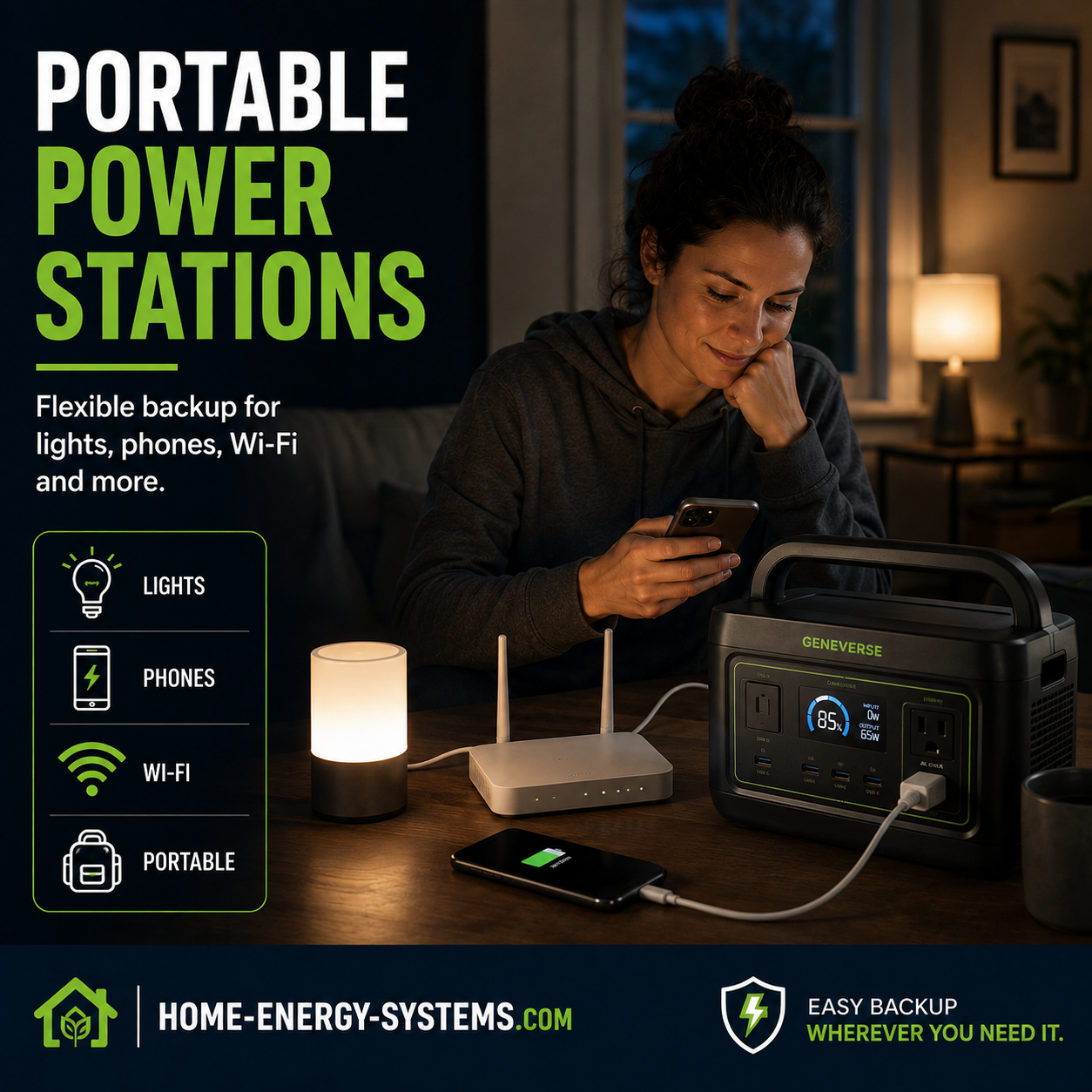
Portable power stations have become popular for backup electricity, but they aren’t automatically replacements for a dedicated UPS.
A traditional UPS is specifically designed to protect electronics from interruptions and switch rapidly to battery operation.
A portable power station is primarily designed to provide stored electricity for longer periods.
Some modern power stations include UPS or EPS-style functionality, but transfer times and operating characteristics vary between models.
If uninterrupted operation is essential, verify the manufacturer’s transfer-time specification rather than assuming every portable power station behaves like a dedicated UPS.
For more help choosing one, see our guide to choosing a portable power station.
UPS vs Generator for a Home Office
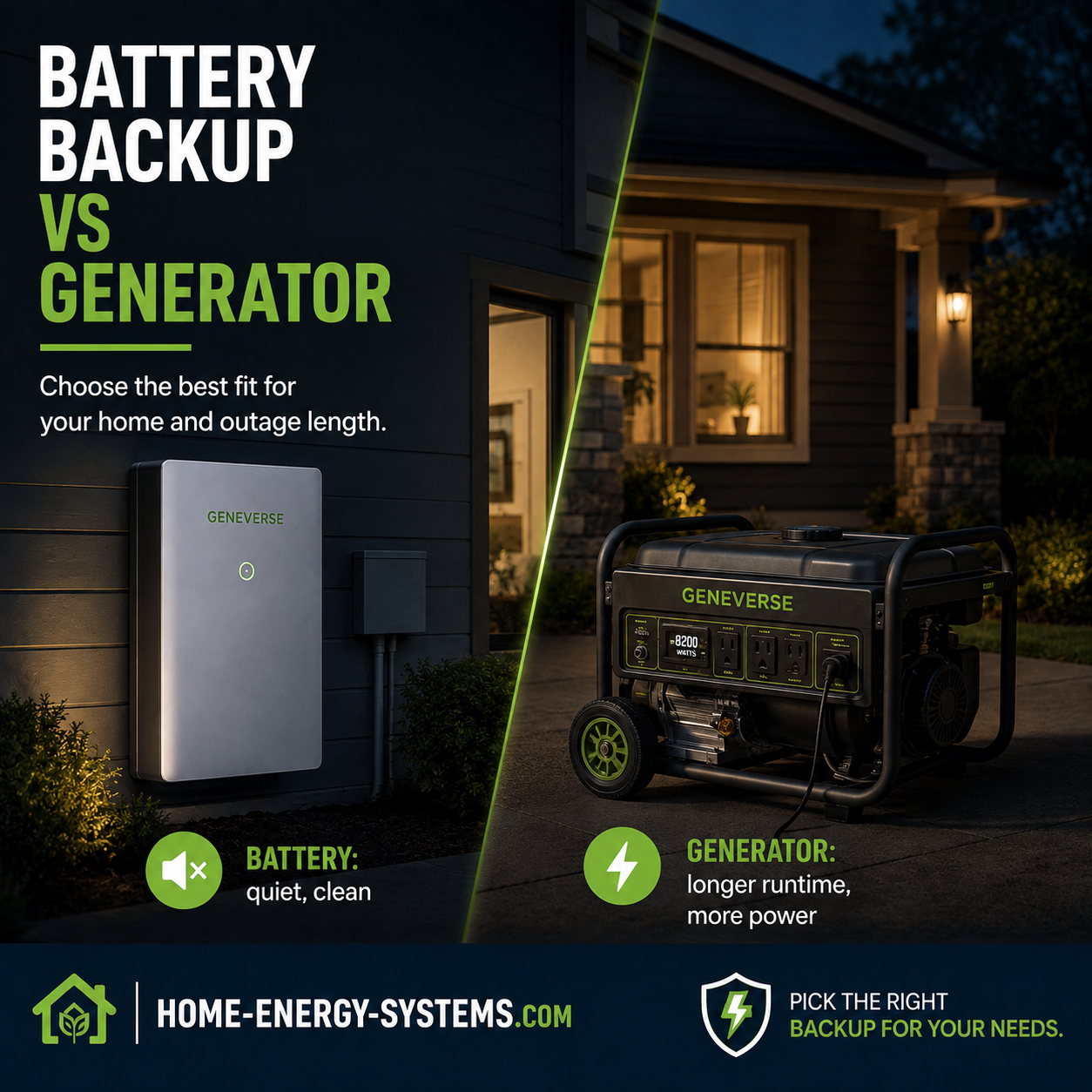
A UPS and generator solve different problems.
A UPS is excellent for keeping computers and networking equipment alive immediately when electricity disappears. Its main job is to bridge short interruptions and provide time to continue working briefly or shut equipment down safely.
A generator is designed for longer outages and can potentially support much larger electrical loads.
The two systems can complement each other: a UPS protects the computer during the first seconds or minutes while a larger backup system takes over for an extended outage.
When a UPS Is Not Enough
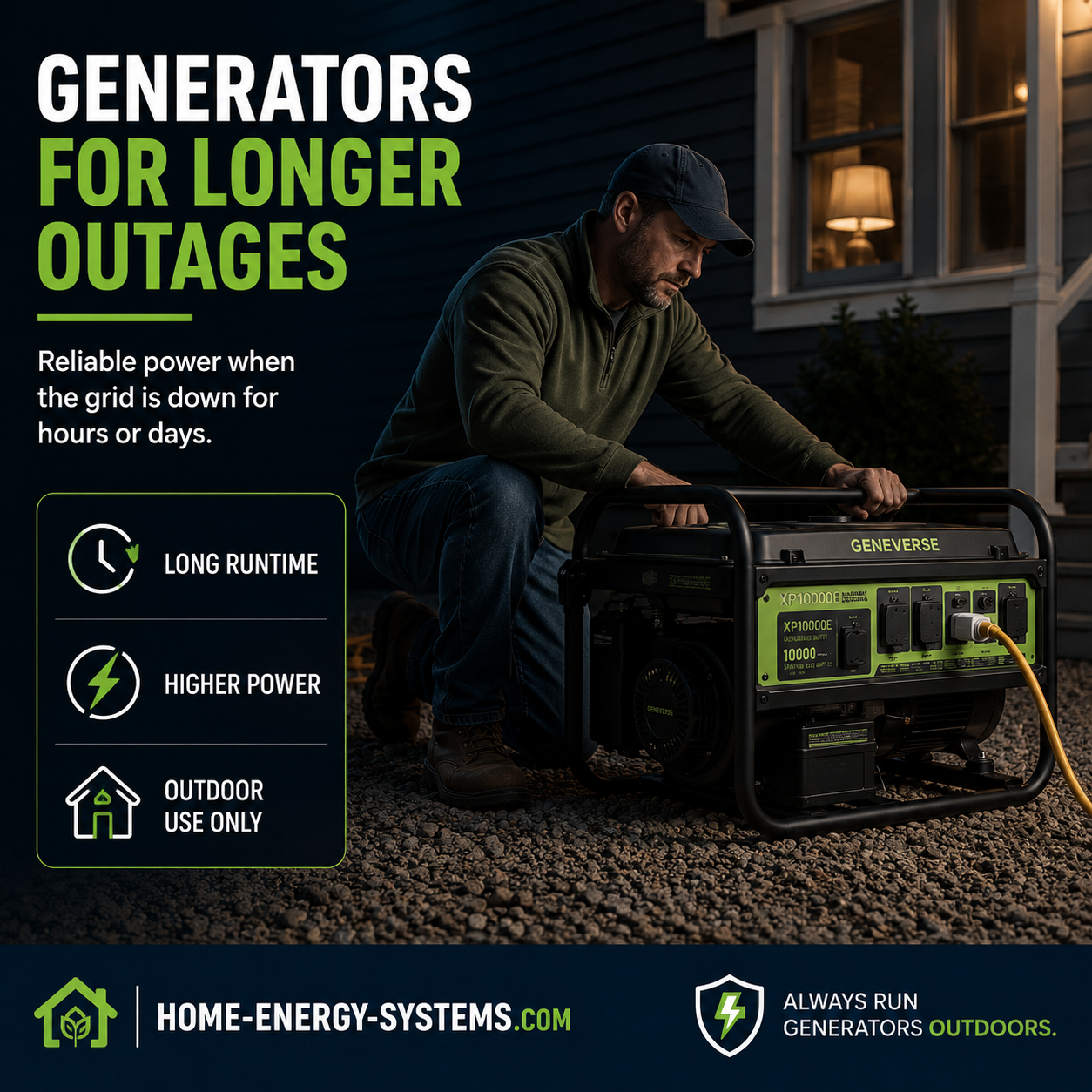
If your area regularly experiences outages lasting several hours, buying an enormous conventional UPS may not be the most practical solution.
Longer-duration backup can instead come from a portable power station, larger home battery system or generator, depending on your electrical needs and local regulations.
Our Best Home Backup Power Systems 2026 guide looks at these options in more detail.
Automatic Computer Shutdown Is Worth Having
USB communication between the UPS and computer is another useful feature.
Compatible UPS software can monitor the battery and automatically shut the computer down safely if an outage lasts longer than expected.
This means the UPS doesn’t need enough battery capacity to operate the computer for hours — it simply needs enough time to allow a controlled shutdown.
What Should You NOT Plug Into a Home Office UPS?
A normal home-office UPS is primarily intended for computers and relatively low-power electronics.
Avoid connecting high-power appliances unless the manufacturer specifically states that the UPS is designed for them.
- Electric heaters
- Kettles
- Laser printers
- Air conditioners
- Large motors
- High-powered kitchen appliances
Should You Buy a Cheap UPS Online?
Low-cost UPS systems can look attractive, especially when their headline specifications resemble established brands.
However, a UPS contains a battery, charger, inverter and mains-voltage electronics, so price shouldn’t be the only consideration.
Before buying an unfamiliar brand, investigate:
- Relevant electrical safety certification
- Warranty support
- Replacement battery availability
- Manufacturer reputation
- Technical support
- Independent user experiences
- Whether specifications clearly state both VA and watts
Common Home Office UPS Buying Mistakes
Looking Only at VA
Always check the UPS’s maximum watt output as well.
Buying Exactly Enough Capacity
Leave some headroom instead of operating the UPS close to its maximum load.
Ignoring Replacement Battery Cost
Check the price and availability of a replacement battery before purchasing the UPS.
Trying to Power Everything
Prioritise your computer, essential monitor and networking equipment.
Expecting Hours of Runtime
A conventional UPS is normally designed to bridge short interruptions and provide safe shutdown time.
Forgetting About Heat
Keeping a UPS somewhere hot can shorten its battery life.
Assuming Every Power Station Is a UPS
Check the manufacturer’s transfer-time and operating specifications first.
How to Choose the Best Home Office UPS
- List the equipment that genuinely needs backup power.
- Measure or estimate its combined wattage.
- Choose a UPS with comfortable additional watt capacity.
- Decide how much runtime you actually need.
- Consider sine-wave output for higher-end computers.
- Look for USB communication and automatic shutdown.
- Check whether the battery is replaceable.
- Check replacement battery prices before buying.
- Consider lithium technology if longer battery service life is important.
- Buy from a manufacturer or retailer offering reliable warranty support in your region.
Where to Buy a Home Office UPS
UPS availability varies considerably between countries, and even similarly named models may have different voltages and outlet configurations.
For that reason, buy a UPS intended specifically for your electrical market and check the manufacturer’s regional model number before ordering.
If you’re also comparing larger batteries, solar equipment and backup-power systems, visit our Where to Buy Solar Energy Products & Backup Power guide.
Best Home Office UPS 2026: Final Verdict
For most people, the best home office UPS isn’t automatically the largest or most expensive model. It’s the UPS that comfortably supports the equipment you actually need to protect.
For a higher-powered desktop office, the CyberPower CP1500PFCLCD is one of the strongest options in this comparison because it combines a 1500VA rating with up to 1000W output and sine-wave battery power.
The APC Back-UPS Pro BR1500MS2 is another strong 1500VA-class choice, while the CyberPower CP1000PFCLCD may make more sense for a smaller office.
Start with your actual power consumption, allow sensible wattage headroom and buy the UPS that fits your equipment rather than simply chasing the biggest VA figure.
Frequently Asked Questions
What is the best home office UPS?
The best home office UPS depends on your equipment load. A powerful desktop office may benefit from a 1500VA-class UPS with strong real-watt output and sine-wave battery power, while a smaller office may only need a 1000VA-class unit.
What size UPS is best for a home office?
Many computer, monitor and router setups fall within the range served by roughly 900VA to 1500VA UPS systems, but the UPS’s maximum watt rating and your actual equipment consumption are more important than VA alone.
Is a 1500VA UPS enough for a PC?
Often, yes, but it depends on the UPS’s maximum watt output and the computer’s real power consumption. High-performance PCs can require considerably more power than ordinary office computers.
How long will a UPS run a computer?
Runtime depends on battery capacity and electrical load. A heavily loaded UPS may provide only several minutes, while the same UPS powering networking equipment alone may operate considerably longer.
How long does a UPS battery last?
Traditional sealed lead-acid UPS batteries commonly last around three to five years, although temperature, discharge frequency and operating conditions can significantly affect lifespan.
Should I leave my UPS plugged in all the time?
A UPS is normally designed to remain connected to mains electricity so its battery stays charged and the system is ready when an outage occurs.
Is a pure sine wave UPS worth it?
It can be, particularly for modern desktop computers, expensive workstations and equipment using active-PFC power supplies.
Can a UPS keep Wi-Fi working during a power cut?
Yes, provided your router, modem or fibre equipment remains powered and your internet provider’s external network is still operating.
Is lithium better than lead-acid for a UPS?
Lithium batteries can offer longer service life, more charge cycles and lower weight, but lithium UPS systems generally cost more initially.
Continue Exploring Home Energy Systems
- Best Home Backup Power Systems 2026
- Home Battery Storage Systems – Complete 2026 Guide
- Off-Grid Solar Systems – Complete Guide
- Best Home Energy Systems 2026
- Backup Power & UPS Video Guides